Does your business need a CRM? 5 signs it's time (and when it isn't)
A CRM system is one place where your business keeps its clients, enquiries, open deals and every conversation with them. You need one when that information starts falling apart between inboxes, spreadsheets and people's heads. According to Eurostat, only 28.5% of EU companies with 10 or more employees use a CRM. Here are 5 signs that you need one too, a spreadsheet vs CRM comparison and how to roll one out.
Related service: Custom software and CRM for businesses
A CRM system in short
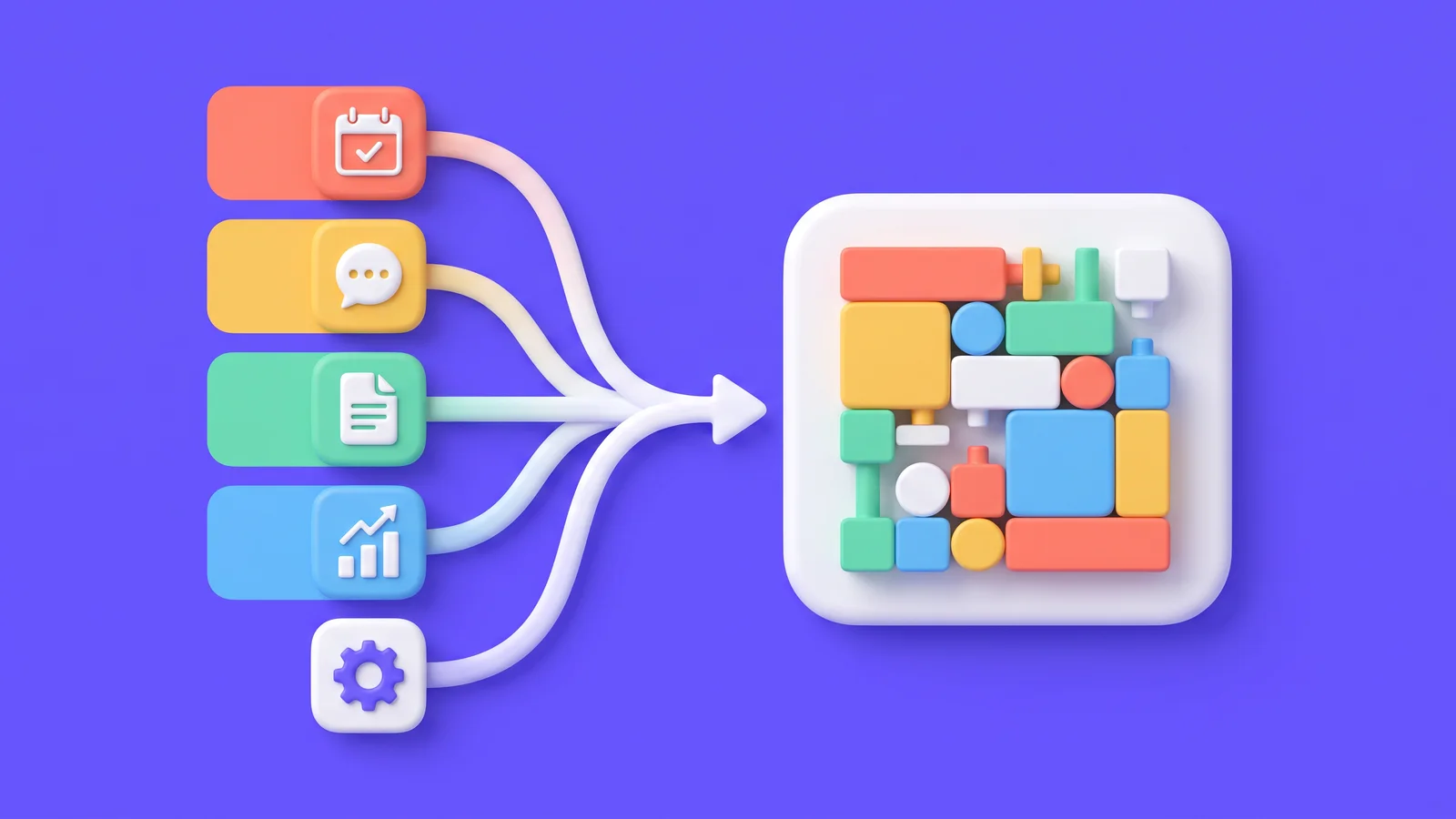
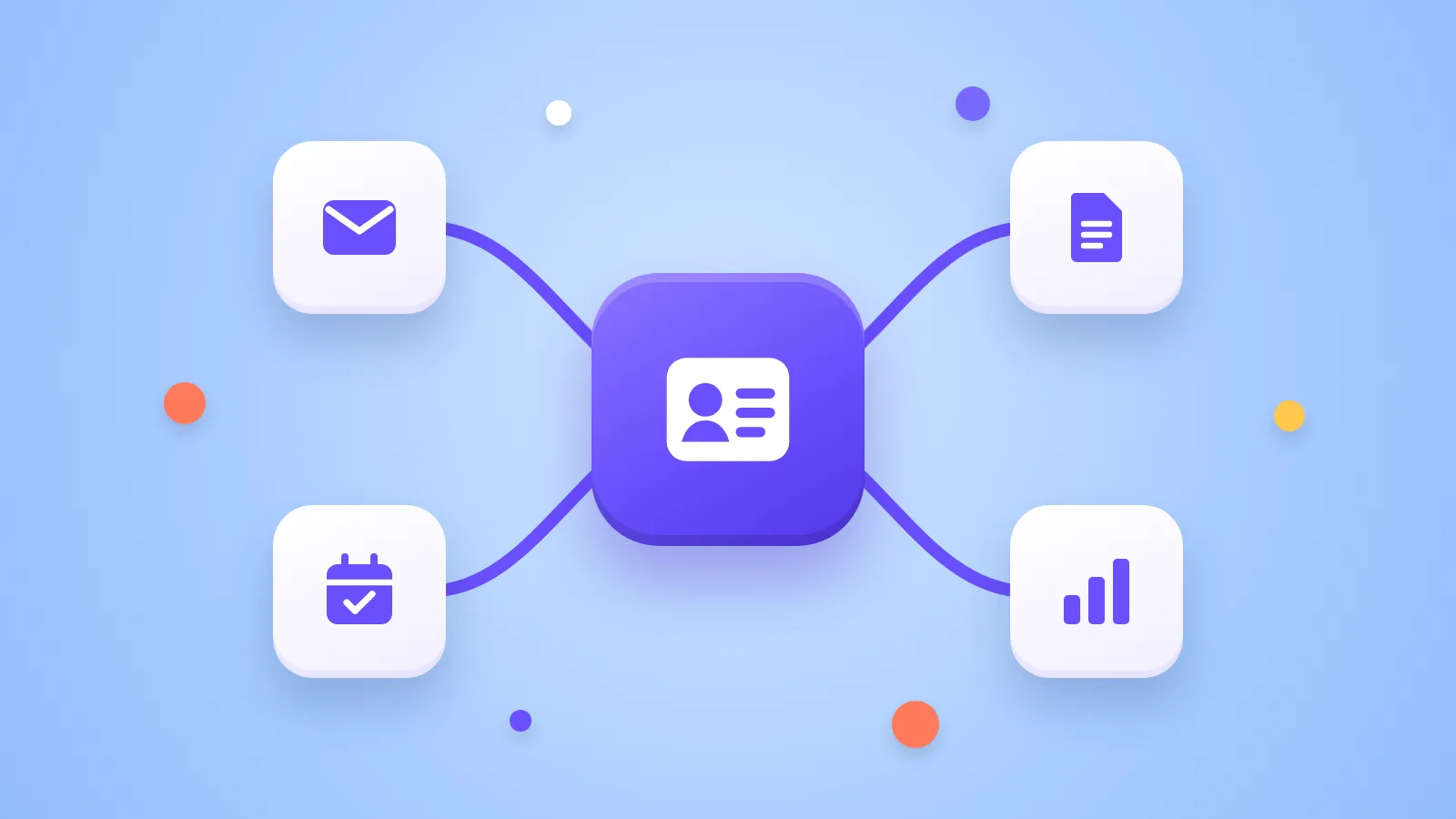
A CRM system (customer relationship management) is software where the whole business keeps client contacts, enquiries, open deals, tasks and the full history of communication in one place. Everyone on the team can see what happened with a client, who owns the next step and when it is due.
A business needs a CRM when messy customer data starts costing money: enquiries go unanswered, a salesperson leaves and takes the contacts with them, or nobody can say how many deals are in progress. This usually happens once two or three people work with clients, or once you get more enquiries than anyone can remember.
What a CRM system includes
The exact modules vary, but almost every CRM covers the basics:
- Contacts and companies with the history of emails, calls and meetings. - Deals (pipeline): what stage each enquiry is at, from new through quote and negotiation to won. - Tasks and reminders, so no client is forgotten. - Reports: revenue, quote win rate, where customers come from. - Integrations with email, calendar, your website, accounting or online store.
A CRM differs from an ERP in focus. A CRM handles customers and sales, an ERP runs the business itself: stock, production, purchasing and accounting. Smaller companies often need a bit of both, so in practice the line blurs.
How many businesses use a CRM
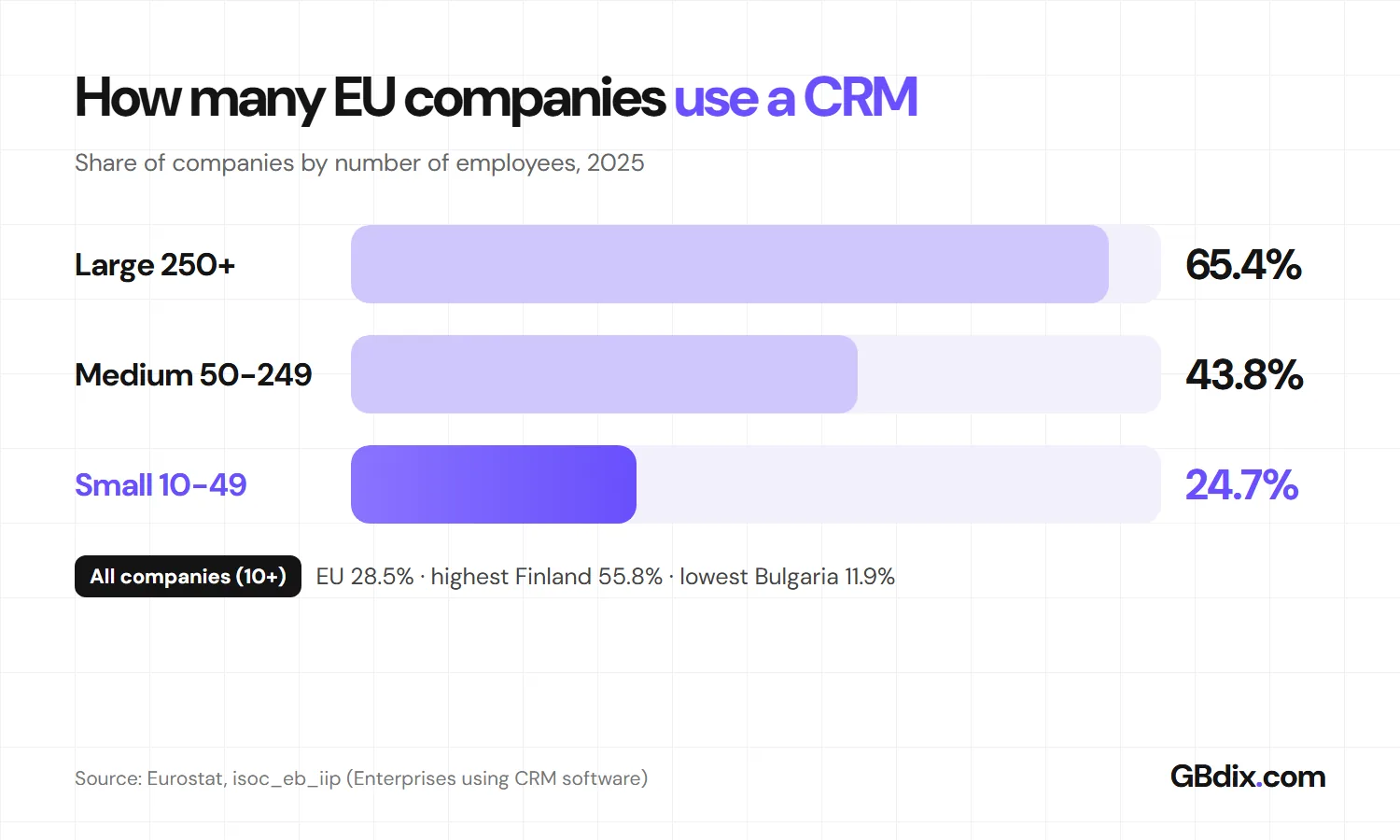
According to Eurostat, 28.5% of EU companies with 10 or more employees used a CRM in 2025. The share grows with company size: 24.7% of small companies (10 to 49 people), 43.8% of medium-sized ones (50 to 249) and 65.4% of large ones.
The differences between countries are large. Finland leads with 55.8% and the Netherlands follows with 54.1%, while at the bottom of the EU are Romania with 13.9% and Bulgaria with 11.9%. So most small companies in Europe still track clients in inboxes and spreadsheets. If messy customer data is holding you back, you are not the exception.

Do you recognise at least two of these five signs in your business? Then you are missing a CRM.
5 signs your business needs a CRM
None of them on its own means you have to buy software tomorrow. But if you recognise several at once, you are already paying for the missing CRM every month. You just don't see it on an invoice. You see it in lost deals and hours of retyping.
1. Client data is everywhere and nowhere
The contact is in a salesperson's phone, the last quote in their inbox, the agreed discount in their head and the orders in a spreadsheet on a shared drive. When the client calls, whoever picks up has no idea what was discussed last time. And when the salesperson leaves the company, the client history leaves with them.
What a CRM does: every client has one record with contacts, emails, quotes and notes. Anyone with access can see it, no matter who is in the office today.
2. Enquiries get lost and you reply late
A website enquiry lands in the info@ inbox, a phone call gets noted on paper and a message on social media stays unread. The follow-up after a quote depends on someone's memory, so it often does not happen. Meanwhile the customer buys from whoever got back to them first.
What a CRM does: enquiries from the website, email and phone end up in one place, and each gets an owner and a deadline. The system reminds you that three days have passed since the quote and it is time to call.
3. You can't say how many deals are in progress
Try asking on Monday morning how many quotes are open, what they are worth and which are likely to close this month. If the answer means calling colleagues or digging through emails, planning capacity, purchasing and cash flow becomes guesswork.
What a CRM does: you see deals in columns by stage, with their value. At a glance it is clear how much money is on the table and where deals get stuck.
4. You retype the same data again and again
The client's name, address and company ID get copied by hand from an email into a quote, from the quote into an order, from the order into an invoice and from there into accounting. Every copy takes time and is a place where mistakes creep in. With e-invoicing becoming mandatory in more EU countries, a typo in the customer's details can also mean an invoice that never arrives.
What a CRM does: you enter the data once, and the quote, the invoice and the export to accounting all take it from there.
5. Reports are built by hand and decisions by gut feeling
How much did you earn from your biggest client? Which channel brings the most customers? How long does it take from enquiry to signature? If each question costs half a day in a spreadsheet, reports get made once a quarter, and by then the numbers are already old.
What a CRM does: reports build themselves from data the team records anyway. Management sees the current state at any time, not only at the next meeting.
A spreadsheet is fine to start with. The table shows where it runs out of road.
Spreadsheet or CRM system?
| Spreadsheets and email | CRM system | |
|---|---|---|
| Several people at once | They overwrite each other, versions drift apart | Everyone works in the same data |
| Communication history | Scattered across personal inboxes | On the client record, even after a colleague leaves |
| Reminders and follow-ups | Depend on memory | The system reminds you of deadlines |
| Deal overview | Has to be put together by hand | Stages and deal value at a glance |
| Access rights | Whoever has the file sees everything | Everyone sees only what they should |
| Email and accounting integration | Copy and paste | Data moves automatically |
| Cost to get started | Close to zero | A licence, or development and rollout |
When you don't need a CRM yet
A CRM is not compulsory equipment for every business. A spreadsheet or a well-kept inbox is enough for now if:
- one person works with clients and keeps everything in their calendar, - you have a handful of regular customers and new ones are rare, - you sell simply, without quotes and long decisions, for example in a shop.
Even then, keep client data in one spreadsheet with fixed columns, not in ten different files. When the time for a CRM comes, moving over will be much easier.

Recognised at least two of the signs? Here is how to roll out a CRM without bringing the business to a halt for a month.
How to roll out a CRM in 5 steps
- Map how you sell today. Where enquiries come from, who handles them, what stages a deal goes through and what happens after signing. Skip this and you buy a system that forces you to work differently.
- Clean up the data. Merge spreadsheets and contacts, remove duplicates and agree which client details are required. Nobody uses a CRM full of messy data.
- Choose the solution. An off-the-shelf CRM if your process fits its template, or a custom system if you need your own workflows and integrations. See also how much a custom CRM costs.
- Start with a pilot in one team. Two to four weeks with a few people show what is missing before you roll it out to everyone. Set up access rights, because a CRM holds personal data and falls under the GDPR.
- Measure whether it helps. Track response time to enquiries, the number of open quotes and the win rate. If the numbers don't move after a few months, the problem is the process, not the software.
Off-the-shelf or custom CRM?
An off-the-shelf CRM such as Pipedrive or HubSpot is quick to start and paid monthly per user. It suits you when your sales process looks like its template. A custom CRM pays off when you have your own workflows, need integrations with accounting, stock or an online store, or when per-user licences get expensive.
We compare both in detail in Custom CRM vs HubSpot and Custom software vs SaaS.
How GBdix can help with your CRM
At GBdix we build custom CRMs and internal systems for companies across Europe. As developers we write real code (React, Next.js, Node.js, PostgreSQL), so the system is not limited by a template.
- A free initial analysis. We go through how you work today and tell you straight whether an off-the-shelf CRM would do. - A clickable prototype before development. You see and try the system before a single line of code is written. - Integrations with what you already use. Accounting, email, calendar, online store and e-invoicing. You own the code and the data.
You can try what a CRM for your business could look like in our interactive demo.

Anything about CRMs still unclear? The most common questions are answered below.
Frequently asked questions about CRM systems
What is a CRM system in simple terms?
Does a small business need a CRM?
What is the difference between a CRM and an ERP?
Can a spreadsheet replace a CRM?
How much does a CRM system cost?
How long does it take to roll out a CRM?
Who can help me introduce a CRM?
Sources
- Eurostat: Integration of internal processes (isoc_eb_iip), indicator "Enterprises using CRM software", 2025
- Eurostat: E-business integration, Statistics Explained
- European Commission: VAT in the Digital Age (ViDA)
- European Commission: Data protection (GDPR)

Is your business missing a CRM?
Tell us how you track clients, enquiries and deals today. After a free analysis we tell you whether an off-the-shelf CRM will do or a custom system connected to your accounting and email is worth it.

Source: GBdix · Published 15 November 2026